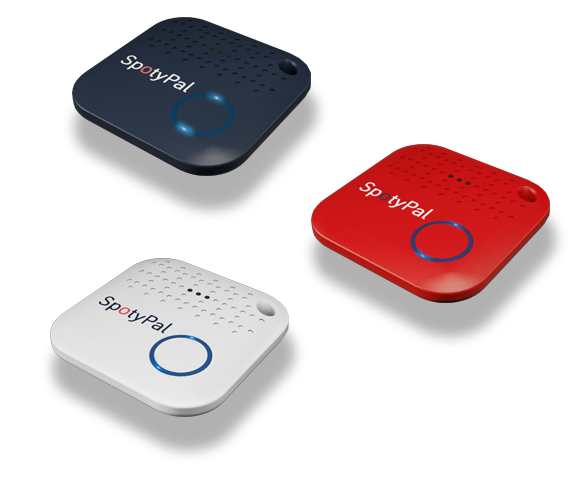
1. Buy your SpotyPal device
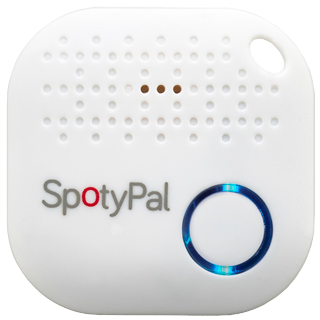
White
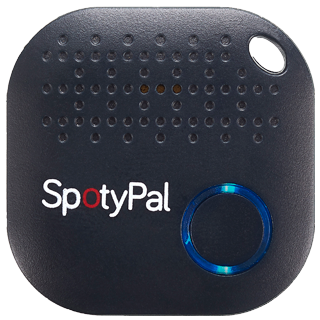
Navy Blue
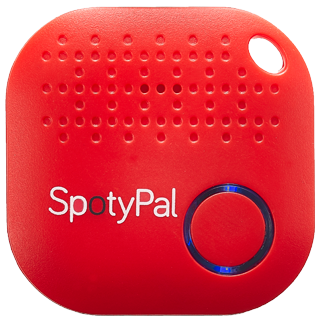
Red
3. Enable Bluetooth and Location
 Enable Bluetooth on your smartphone to communicate with the device.
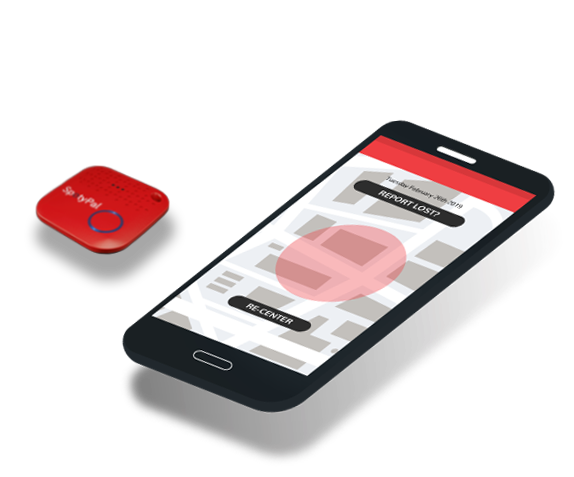
 Turn on Location services to have most up-to-date information about your device location.
4. Connect your device
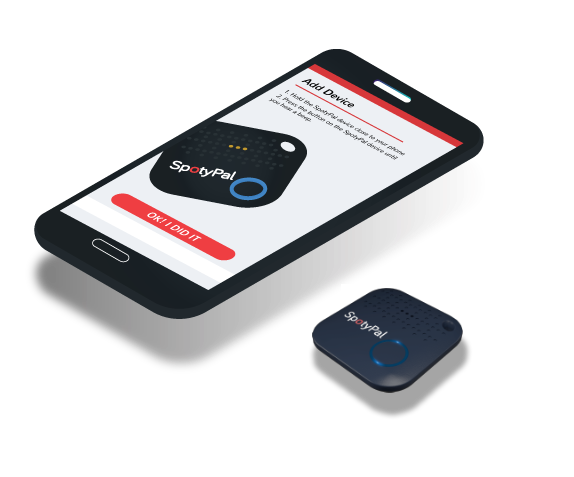
 Open the SpotyPal app.
Tap on the “+” button.
Press the button located on the device while you hold the device close to your phone. You will hear a beeping sound and the LED will start flashing.
Go to the App and click the “OK! I DID IT” button to connect.
5. Attach your device
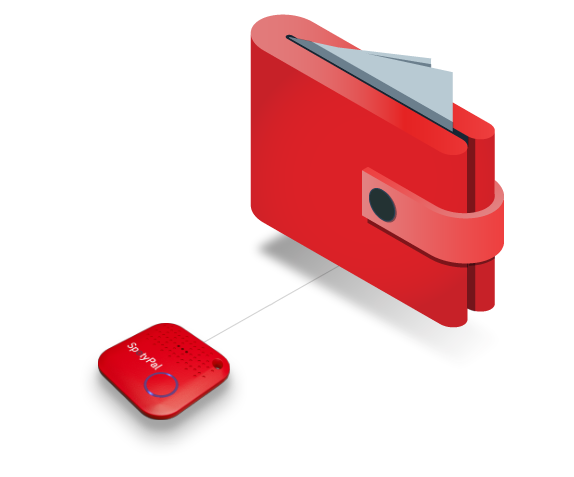
You are now ready to attach your device to the item you want to protect.
6. Keep your device and app connected
Leave the app running to keep communication with your device.